Translating your store
Open a section from the app menu (Products, Collections, Pages, Blog posts, Navigation or Other content), pick the language at the top, open an item and fill in the translations next to the original text. Click Save to publish them. Translations are saved in Shopify and show on your storefront right away.
- Products: title, description, SEO, URL handle, options and option values, vendor, tags, metafields and images.
- Navigation: menu titles and every menu item, including sub-items.
- Other content: blogs, metaobjects, image alt text, storefront filters, store name and SEO, policies, notifications, shipping and payment method names, and subscription plans.
Info
A field marked outdated means the original text changed after it was translated. Check the translation and save it again.
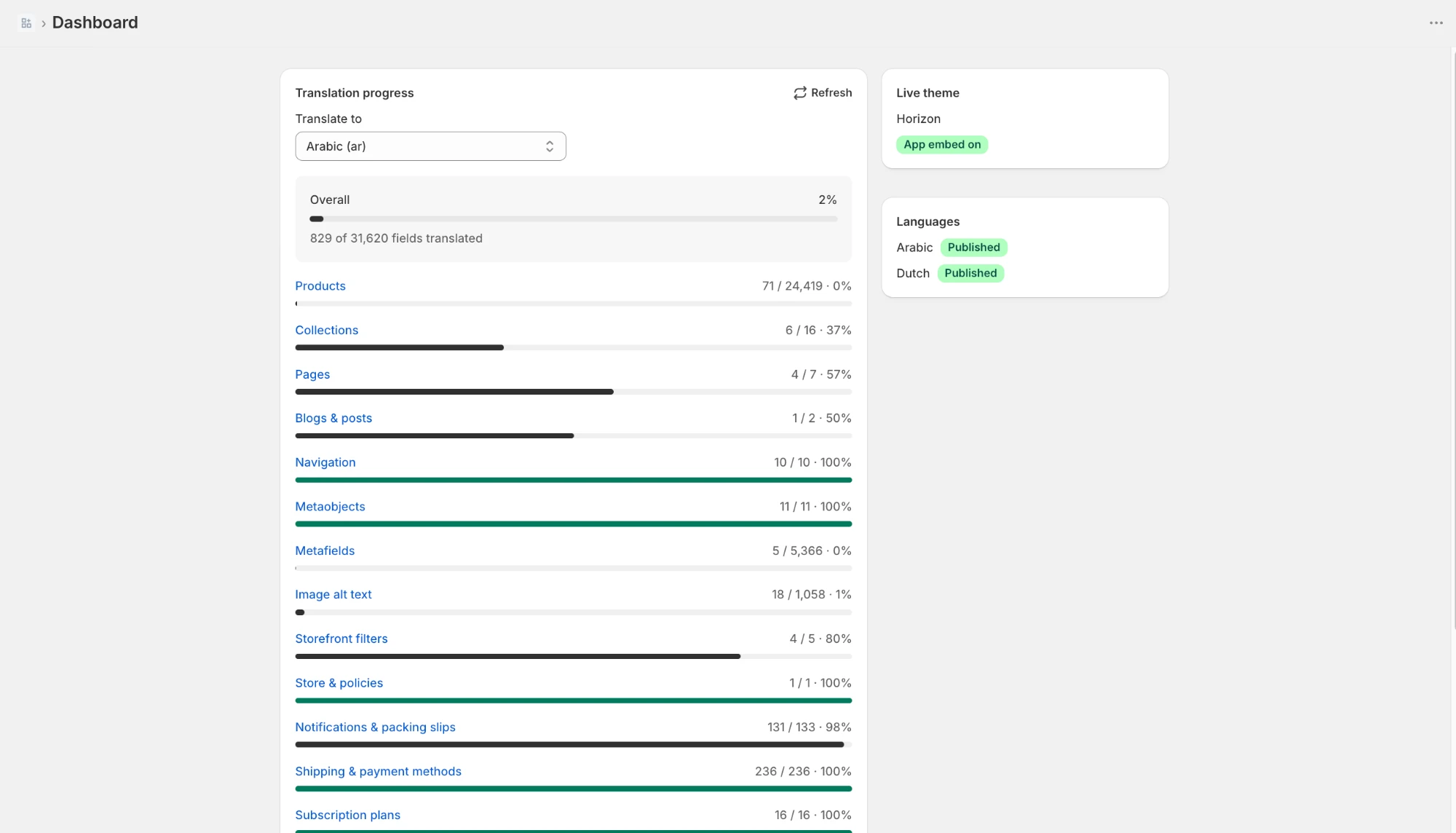
Tracking progress
The Dashboard shows how much of each content type is translated for every language, whether the app embed is on in your live theme, and which languages are published. Click a content type to start translating it.