Getting started
After installing, the app opens on Home. The setup guide shows each step and ticks it off as you complete it.
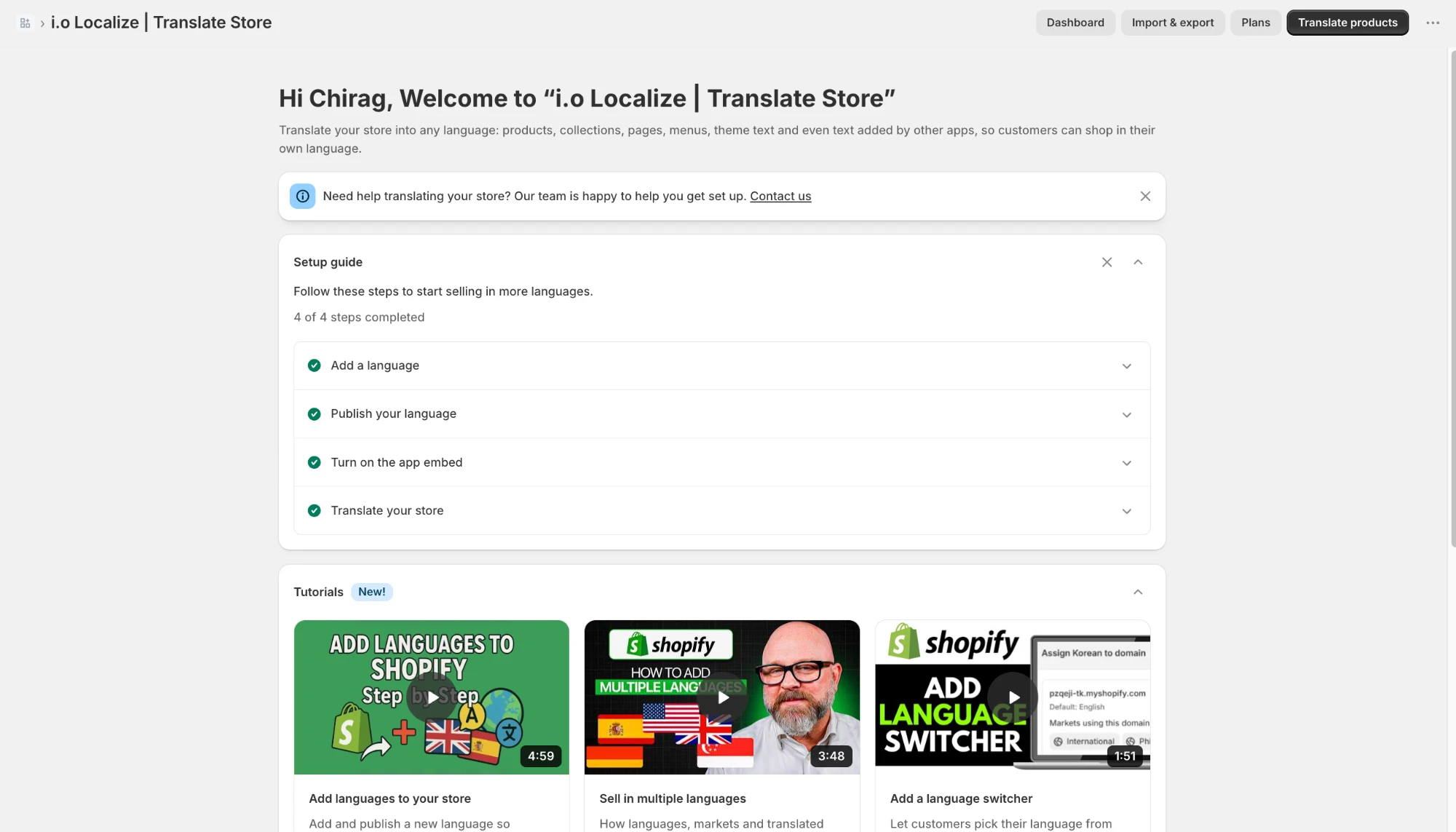
- Install the app from the Shopify App Store and choose your plan. Every plan starts with a 15-day free trial; development stores are free.
- Add a language: in the app, open Languages, add the languages you want to sell in, and publish them when your translations are ready. Customers only see published languages.
- Turn on the app embed: open Storefront setup and click Open theme editor. Switch on the Translations app embed and save. It's needed for custom content and images per language.
- Add a language switcher (optional): in the theme editor, add the Language switcher block where you want it, for example in the header or footer. Many themes also have their own language selector you can switch on.
- Translate page by page in the app, or in bulk with a CSV file (see Import & export). The Home page shows your setup progress, and the Dashboard shows how much is translated for every language.